



















_INV.png)




.png)
ArcGIS Pro for Beginners: Essential Skills for GIS Professionals

Instructors
About This Course
A beginner ArcGIS Pro course would typically cover the fundamental concepts of geographic information systems (GIS) and introduce students to the basic functionality of the ArcGIS Pro software.
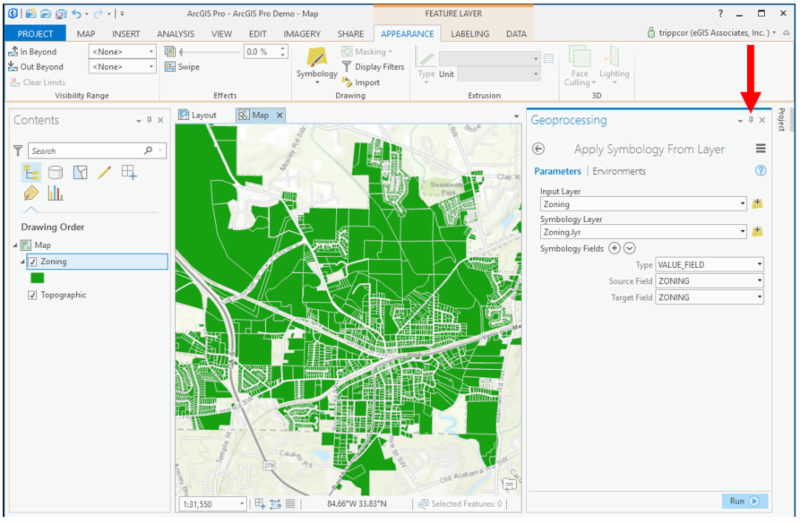
The course would start with an introduction to GIS and the ArcGIS Pro interface, including the various components of the software such as the Catalog, Map, and Layout views. Students would learn how to create a new project, add data, and work with the various layers of a map.
Next, the course would cover the basics of data management in ArcGIS Pro, including how to add and edit data, create geodatabases, and use the tools available in the Geoprocessing pane.
The course would also cover basic spatial analysis techniques, such as using tools to calculate distances and areas, creating buffers, and conducting overlay analysis.
Finally, students would learn how to create and share maps and visualizations using the various layout tools and options available in ArcGIS Pro.
Throughout the course, students would have hands-on exercises and assignments to help them practice using the software and applying the concepts they've learned. By the end of the course, students should have a solid understanding of the basics of GIS and be able to create and analyze their own maps using ArcGIS Pro.
Premium Plan
Pay 70% upfront and 30% after 30 days, with full course access and priority tutor support.
Classic Plan
Pay 50% upfront and 50% after 21 days, with full course access and standard support.
Curriculum Overview
This course includes 5 modules, 23 lessons, and 0 hours of materials.
This Video explores the interface of ArcGIS pro. We need to understand and get conversant with the interface of the software before going deeper. That is what this video seeks to do.
This is a continuation of the interface exploration.
This is the third part of ArcGIS Pro interface exploration
This video is the last part of the interface exploration
This video will teach you how to add data to ArcGIS Pro. Here we will learn how to add both vector a nd raster data to our canvas.
Connecting folders would be one of the common things you will do regarding practicing GIS. Being a simple process, let us take a minute to look at that. This would enable you to easily add data and also save output of your processes.
Let us start off our Geoprocessing with selection. The first selection we are looking for is selection by attribute. This process uses a value from an existing field to filter from a whole data.
Select by location is the process of using the spatial relationship of one feature to select from another feature.This video shows how to go about it.
Clipping is one of the most used geoprocessing tools. It takes one data and gives you a subset of it by overlying another layer. Lets have a look at how it is done in this video.
Buffer analysis is the determination of a zone around a geographic feature containing locations that are within a specified distance of that feature, the buffer zone. A buffer is likely the most commonly used tool within the proximity analysis methods.
The Dissolve Tool unifies adjacent boundaries based on common attribute values. Only if neighbor polygons have the same dissolving attribute, then it melts the boundary into one. This video walks us through how to do that.
The Summarize Within tool calculates statistics in areas where an input layer is within or overlaps a boundary layer. The area you are summarizing within can be an area layer or a hexagonal or square bin.
In this video, we learn how to create shapefiles. Shapefiles are one of the common vector data available. It is very important you learn how to create them
Digitizing is a way of converting analog maps to digital ones. In this video, we will learn how to digitize from a base map and create your own data.
In this video, we continue with digiting our features.
At this point, you know that vector data come in two forms, geometry and attribute. We have learnt how to create and edit the geometry, let is now learn to edit attribute information
Lets look at how to delete features in ArcGIS Pro
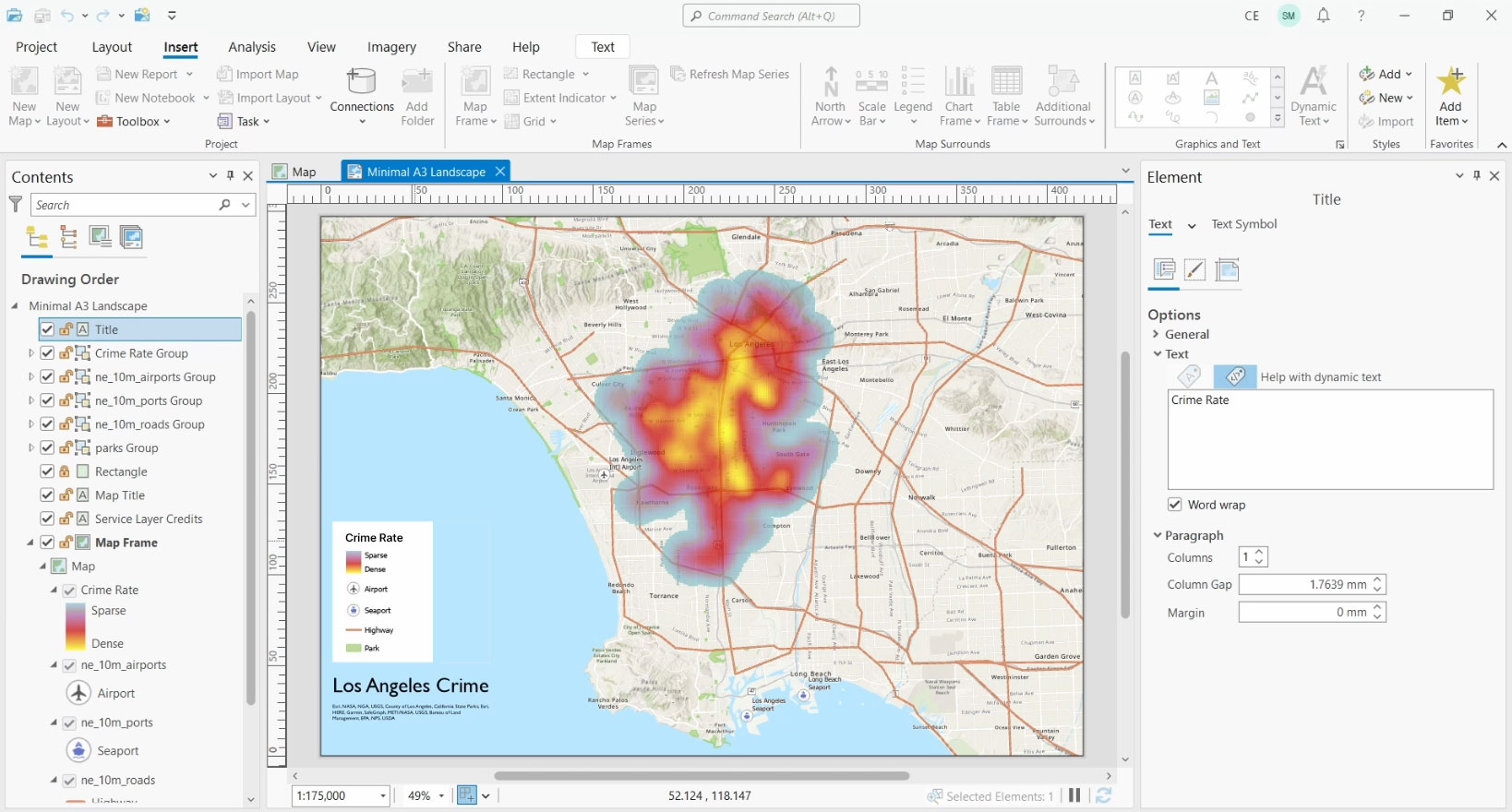
In this video, we are going to make our very first map in ArcGIS Pro. We will learn how to add the various map elements and how to adjust them to fit your map.
In this video, we will learn the basics of symbology and data labeling.
Course Certificate
Course Specifications






Kindly reach out to me via my personal email; benaikins56@gmail.com
Send Course as Gift


Subscribe to Our Newsletter


Additional Links
Login Register Contact Certificate Validation Become Instructor About Terms and PoliciesContact US


Reply to Comment